Earnings season creates the highest volatility events for individual stocks. For algorithmic traders and developers, these events represent both significant opportunity and substantial risk.
Manually checking financial calendars for upcoming reports is inefficient and prone to human error. To scale trading strategies, you must automate the ingestion of event data. By programmatically fetching earnings schedules, you ensure your algorithms never miss a trade setup or unintentionally hold a position through a binary volatility event.
👉 To access high-quality market data, retrieve your API key here: https://mboum.com/pages/api
The Calendar Endpoint
To retrieve the schedule of upcoming earnings reports, you will utilize the Earnings Calendar endpoint. This endpoint allows you to filter specific windows of time to see which companies are reporting financials.
Official Documentation: https://docs.mboum.com#stocks-options-GETapi-v1-markets-calendar-earnings
To effectively filter for the upcoming week, you must utilize date-specific parameters. The endpoint accepts start and end parameters (or date for a single day) to define the scope of your query. By dynamically calculating these values in your code, you can create a rolling window of upcoming market events.
Python Example: Automating the Date Logic
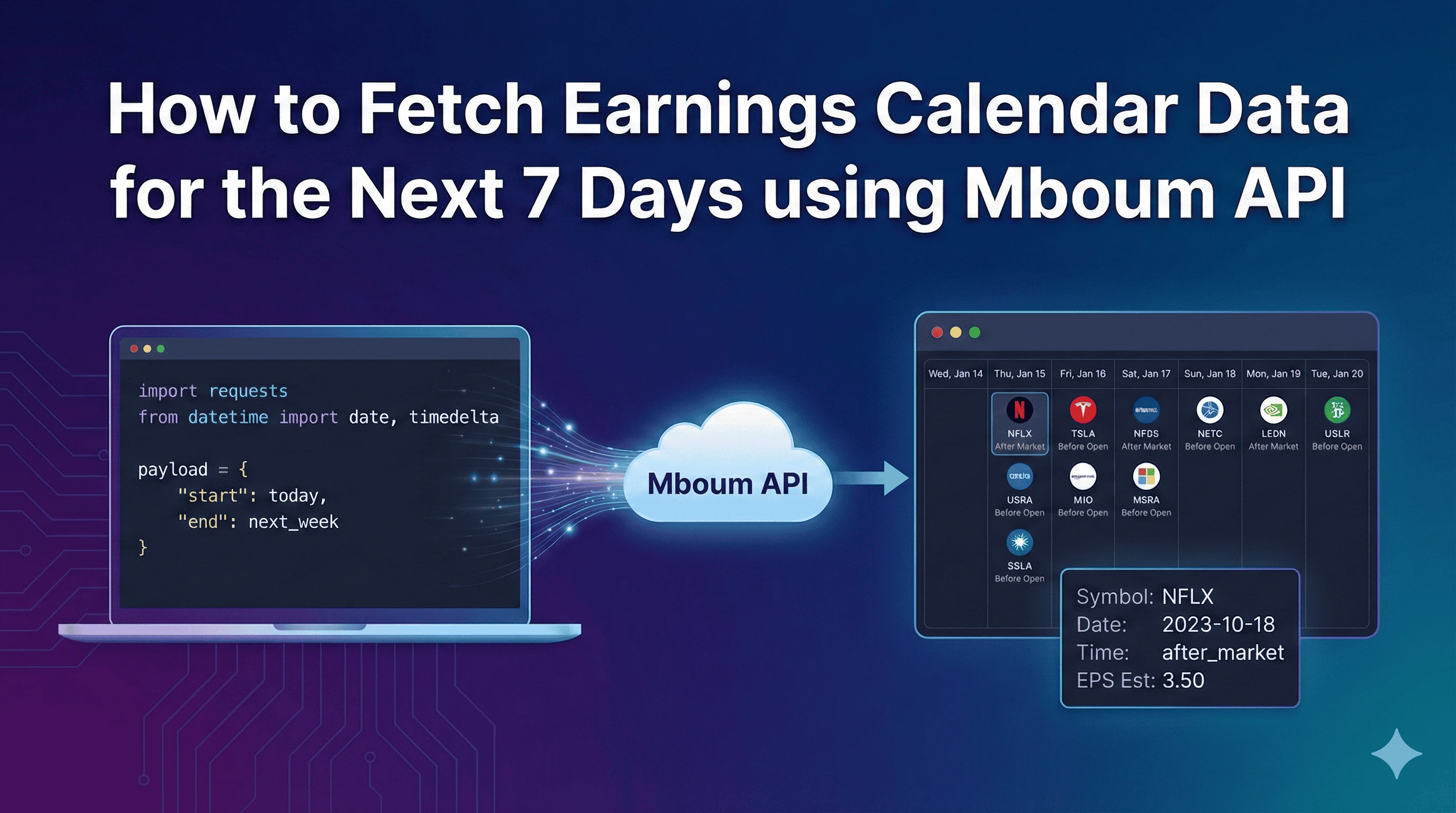
The following Python script demonstrates how to fetch earnings data for the next 7 days. This script uses the requests library to handle the API call and the datetime library to automatically calculate the time window relative to the current execution date.
In this example, we calculate start_date as the current date and end_date as the current date plus a timedelta of 7 days. We then pass these variables into the request parameters.
import requests
from datetime import date, timedelta

# API Configuration
base_url = "https://api.mboum.com/api/v1/markets/calendar/earnings"
api_key = "demo"  # Replace with your actual API key

# Calculate the Date Range
today = date.today()
next_week = today + timedelta(days=7)

# format dates as strings if required by specific endpoints,
# though requests often handles date objects gracefully.
payload = {
    "apikey": api_key,
    "start": today,
    "end": next_week
}

try:
    response = requests.get(base_url, params=payload)
    response.raise_for_status()

    data = response.json()

    # Check if data exists and print the first 3 entries
    if "data" in data:
        for earnings_event in data["data"][:3]:
            print(earnings_event)
    else:
        print("No earnings data found for this range.")

except requests.exceptions.RequestException as e:
    print(f"Error fetching data: {e}")
Understanding the Response
The API returns a JSON object containing a list of earnings events. Below is a simplified snippet of an earnings object you might receive for a major ticker like Netflix.
{
    "symbol": "NFLX",
    "date": "2023-10-18",
    "time": "after_market",
    "eps_estimate": 3.50,
    "revenue_estimate": 8540000000,
    "currency": "USD"
}
When parsing this data for your application, focus on the following fields:
-
Symbol: NFLX – The ticker identifier for the asset
-
Report Date: 2023-10-18 – The specific day the financial report is released
-
Time: after_market – Indicates if the report occurs before the open or after the close, which is critical for execution timing
-
EPS Estimate: 3.50 – The consensus earnings per share forecast
-
Revenue Estimate: 8540000000 – The consensus revenue forecast
Practical Use Cases
Accessing a rolling 7-day window of earnings data enables several specific strategies:
Volatility Strategies
Traders often buy straddles or strangles on stocks with upcoming earnings to capitalize on the expected increase in Implied Volatility (IV) leading up to the event. By automating the fetching of the symbol and date, you can programmatically scan for tickers reporting this week that have not yet priced in the move.
Risk Management
If you run a mean-reversion or trend-following strategy that is not designed for binary events, holding through earnings can be disastrous. You can use this API to cross-reference your current open positions against the data returned. If a held symbol appears in the list, your algorithm can automatically close the position before the date and time of the report to avoid the risk.
Automating your earnings calendar allows for precise trade timing and robust risk management. By integrating dynamic date filtering into your data pipeline, you ensure your strategies react to market events proactively rather than retroactively.
👉 Start building your earnings automation today: https://mboum.com/pages/api