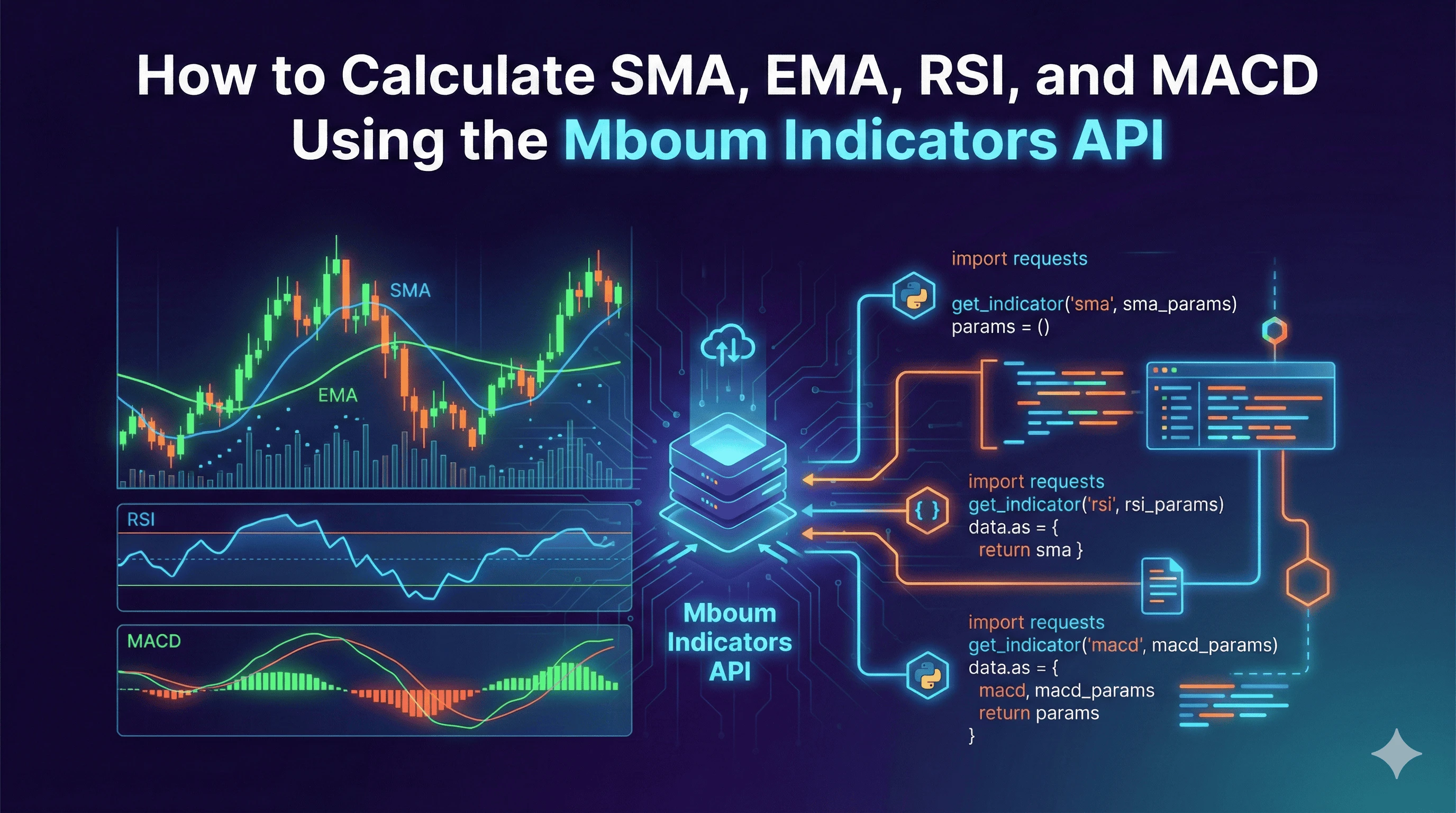
Technical indicators are the building blocks of algorithmic trading strategies, providing the quantitative data necessary to analyze market trends, momentum, and volatility. While it is possible to calculate these indicators manually using historical price data, doing so requires maintaining large datasets and performing resource-intensive computations on the client side.
The Mboum API allows developers to offload these calculations, retrieving pre-computed technical analysis data directly via dedicated endpoints. This ensures that trading bots and financial dashboards remain lightweight and responsive.
👉 You can obtain your API key and begin integrating these indicators by visiting the dashboard here: https://mboum.com/pages/api
The Indicators Endpoints
Mboum provides specific endpoints for the most common technical indicators. To integrate these into your application, you will primarily interact with the Technical Indicator section of the API.
-
SMA (Simple Moving Average):
Use the SMA endpoint to calculate the average price over a specific number of periods.
https://docs.mboum.com#stocks-options-GETapi-v1-markets-indicators-sma -
EMA (Exponential Moving Average):
Use the EMA endpoint for a weighted average that places greater significance on recent price data.
https://docs.mboum.com#stocks-options-GETapi-v1-markets-indicators-ema -
RSI (Relative Strength Index):
Use the RSI endpoint to measure the magnitude of recent price changes and evaluate overbought or oversold conditions.
https://docs.mboum.com#stocks-options-GETapi-v1-markets-indicators-rsi -
MACD (Moving Average Convergence Divergence):
Use the MACD endpoint to track the relationship between two moving averages of a security's price.
https://docs.mboum.com#stocks-options-GETapi-v1-markets-indicators-macd
Common Parameters
When constructing requests for these endpoints, several parameters ensure accurate analysis:
-
ticker – The symbol of the asset to analyze (e.g., AAPL, BTC-USD)
-
interval – The time interval between data points. Supported values include
1m,5m,15m,30m,1h,1d,1wk, and1mo -
series_type – The specific price point used for calculation. Common values are
close,open,high, andlow -
limit – Restricts the number of results returned (default is typically 50)
Indicator-Specific Parameters
Certain indicators require unique inputs to define their sensitivity:
-
For SMA, EMA, and RSI, you must define the
time_period(e.g., 14 for standard RSI or 50 for a moving average) -
For MACD, you must define the
fast_period,slow_period, andsignal_period(standard defaults are often 12, 26, and 9 respectively)
Python Example
The following Python script demonstrates how to fetch RSI, SMA, and MACD data for Apple (AAPL) using the requests library. This example requests a 50-day SMA, a standard 14-period RSI, and standard MACD settings on a daily interval.
import requests
import json

# Configuration
base_url = "https://api.mboum.com/v1/markets/indicators"
auth_header = {
    'Authorization': 'Bearer {YOUR_AUTH_KEY}'
}

def get_indicator(indicator_type, params):
    endpoint = f"{base_url}/{indicator_type}"
    try:
        response = requests.get(endpoint, headers=auth_header, params=params)
        response.raise_for_status()
        return response.json()
    except requests.exceptions.RequestException as e:
        print(f"Error fetching {indicator_type}: {e}")
        return None

# 1. Fetch SMA (50-period)
sma_params = {
    'ticker': 'AAPL',
    'interval': '1d',
    'series_type': 'close',
    'time_period': '50',
    'limit': '1'  # Get only the most recent value
}
sma_data = get_indicator("sma", sma_params)

# 2. Fetch RSI (14-period)
rsi_params = {
    'ticker': 'AAPL',
    'interval': '1d',
    'series_type': 'close',
    'time_period': '14',
    'limit': '1'
}
rsi_data = get_indicator("rsi", rsi_params)

# 3. Fetch MACD (12, 26, 9)
macd_params = {
    'ticker': 'AAPL',
    'interval': '1d',
    'series_type': 'close',
    'fast_period': '12',
    'slow_period': '26',
    'signal_period': '9',
    'limit': '1'
}
macd_data = get_indicator("macd", macd_params)

# Output results
print("Technical Analysis for AAPL (Daily):")
print(f"SMA (50): {json.dumps(sma_data, indent=2)}")
print(f"RSI (14): {json.dumps(rsi_data, indent=2)}")
print(f"MACD: {json.dumps(macd_data, indent=2)}")
Understanding the Response
The API returns JSON objects containing the calculated values along with their associated timestamps. When parsing the response, it is critical to map the values correctly to your trading logic.
SMA / EMA / RSI Response Structure
[
  {
    "date": "2024-02-02 16:00:00",
    "value": 185.85
  }
]
MACD Response Structure
[
  {
    "date": "2024-02-02 16:00:00",
    "macd": 1.52,
    "signal": 1.45,
    "divergence": 0.07
  }
]
Field Meanings
-
date – The timestamp representing the close of the candle used for the calculation
-
value – The calculated technical indicator value (used for SMA, EMA, and RSI)
-
macd – The difference between the fast and slow moving averages
-
signal – The moving average of the MACD line itself
-
divergence – The difference between the MACD and the Signal line (often displayed as a histogram)
Practical Use Cases
By retrieving these indicators programmatically, developers can automate complex trading signals:
Trend Confirmation (Golden Cross)
A common strategy involves monitoring the intersection of short-term and long-term moving averages. By fetching both the 50-day SMA and the 200-day SMA via the SMA endpoint, an algorithm can automatically detect a Golden Cross when the SMA 50 crosses above the SMA 200, signaling a potential bullish trend.
https://docs.mboum.com#stocks-options-GETapi-v1-markets-indicators-sma
Overbought / Oversold Alerts
Using the RSI endpoint, an application can monitor a watchlist of assets. If the API returns an RSI value greater than 70, the system can flag the asset as overbought. Conversely, a value below 30 can trigger an oversold alert, indicating a potential buying opportunity.
https://docs.mboum.com#stocks-options-GETapi-v1-markets-indicators-rsi
The Mboum Indicators API provides a streamlined method for accessing essential technical analysis data without the overhead of local computation. By utilizing endpoints for SMA, EMA, RSI, and MACD, developers can build robust, data-driven financial applications that respond to market movements in real time.
👉 Start building your analysis tools today by generating your key at: https://mboum.com/pages/api