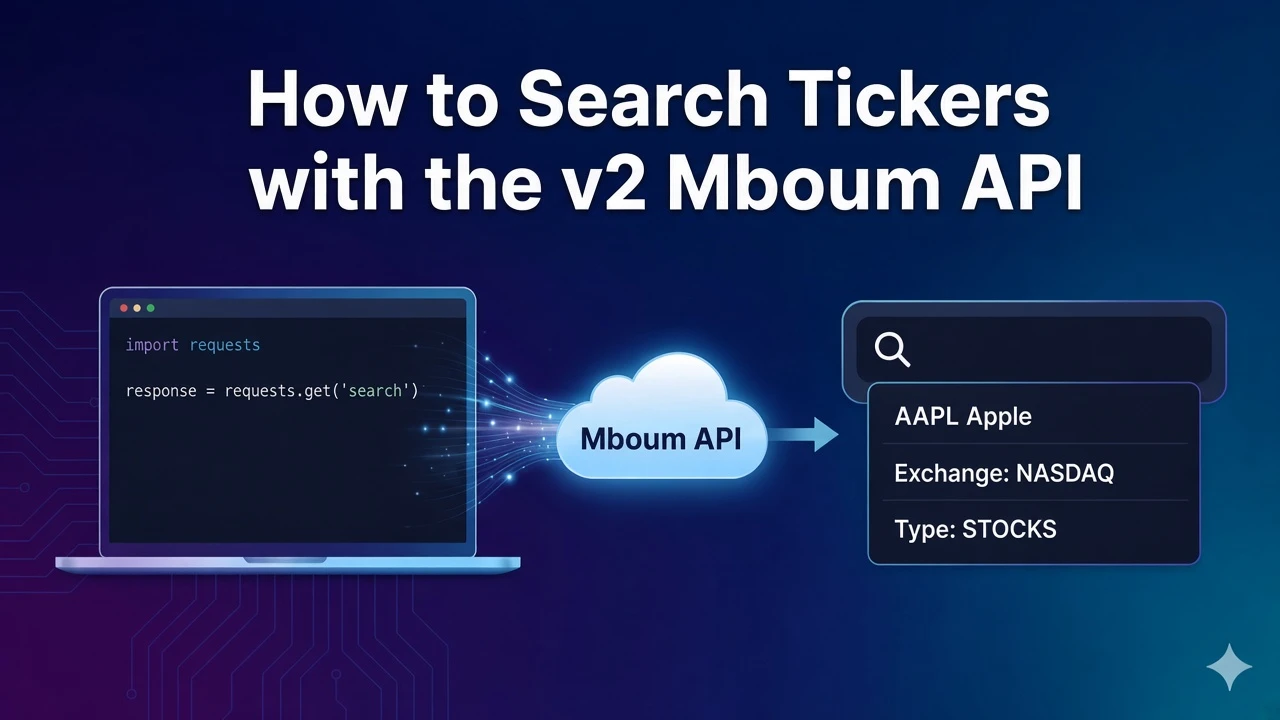
Ticker search turns a partial string into a list of symbols you can feed into quotes, history, or options calls.
This post documents the v2 search response only. One required parameter returns the matches, and you should read name and asset before you copy a symbol downstream. Do not use a v1 search field list here.
To access this endpoint, you must obtain an API key: Get your API key
The Endpoint
GET /v2/markets/search returns matching rows for a search string. The sample uses search=AA. A two-letter term can return more than one symbol, so the first symbol alone is not enough.
Parameters
- search: Required. The example is
AA. There are no other query parameters on this endpoint in this draft. A longer company name usually narrows the list. A two-letter term is the harder case this example is meant to show.
Python Example
The script searches for AA and prints symbol, name, exchange, and asset for the first few body items. Send a Bearer token from your Mboum API key.
import requests

url = "https://api.mboum.com/v2/markets/search"
headers = {"Authorization": "Bearer YOUR_API_KEY"}
params = {"search": "AA"}

response = requests.get(url, headers=headers, params=params)
response.raise_for_status()
payload = response.json()
for item in payload["body"][:5]:
    print(item["symbol"], item["name"], item["exchange"], item["asset"])
Understanding the Response
A successful response has meta and body. body is a list of matches. The shortened example below is one item for the search term AA.
{
  "meta": {},
  "body": [
    {
      "symbol": "AA",
      "name": "Alcoa Corporation",
      "exchange": "NYSE",
      "subCategory": "",
      "region": "US",
      "asset": "STOCKS",
      "industry": "Metals",
      "flag": ""
    }
  ]
}
Read name and asset together with symbol and exchange so you pick the intended instrument before you copy the ticker into another endpoint. region, industry, subCategory, and flag give extra context when two names look similar.
Key Fields
- symbol: The ticker you may pass into a later call. In the shortened example it is
AA. - name: The instrument name. The sample name is Alcoa Corporation. Read it before you trust a short search term.
- exchange: Where the match is listed. The sample exchange is
NYSE. - asset: The instrument type. The sample asset is
STOCKS. Read it withnameso you do not copy the wrong symbol downstream. - region, industry, subCategory, and flag: Extra context when two names look similar. In the sample,
regionisUS,industryis Metals, andsubCategoryandflagare empty strings.
Practical Use Cases
Sorting a short match list
Call search with search=AA and inspect the first few body items. Compare name, exchange, and asset across matches that share a similar symbol prefix. A short term can match more than one symbol.
Choosing a symbol for the next call
Choose one symbol only after those fields confirm it is the instrument you want. Then pass that symbol into a quote or history call. Print a few matches, pick one, and only then call the next market endpoint.
Learn more or explore other endpoints: v2 ticker search