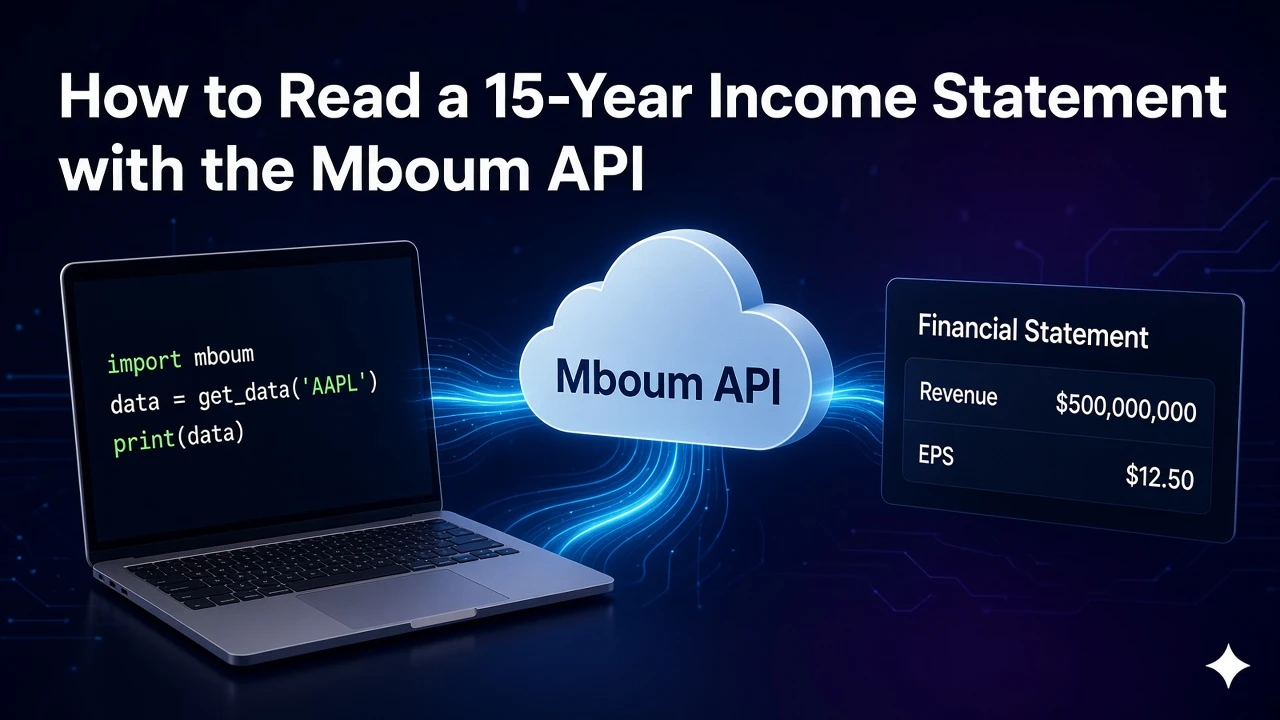
The income-statement-v2 module returns up to 15 years of income-statement fields for one ticker, with each field mapped to dated values.
This guide covers GET /v1/markets/stock/modules with module=income-statement-v2. That module is the income statement history up to 15 years. It is not GET /v2/markets/stock/financials and not GET /v2/markets/stock/revenue.
To access this endpoint, you must obtain an API key: Get your API key
The Endpoint
Module payloads live under GET /v1/markets/stock/modules. The sample request is ticker=AAPL, module=income-statement-v2, and timeframe=annually. Send one ticker and one module value. Do not send income-statement in this example.
Parameters
- ticker: Required. One ticker per request. The example is
AAPL. - module: Required. One module per request. For this post use
income-statement-v2, the income statement history up to 15 years. Do not sendincome-statementin this example, and do not substitute the separate v2 financials or revenue paths when you need this module. - timeframe: Optional for these v2 modules. Use
annually,quarterly, ortrailing. If omitted,annuallyis used. The example setsannually. Switch toquarterlyortrailingonly when that is the series you need.
Python Example
The script requests the annual income-statement-v2 module for AAPL and prints the date keys on the revenue field. Send a Bearer token from your Mboum API key.
import requests

url = "https://api.mboum.com/v1/markets/stock/modules"
headers = {"Authorization": "Bearer YOUR_API_KEY"}
params = {"ticker": "AAPL", "module": "income-statement-v2", "timeframe": "annually"}

response = requests.get(url, headers=headers, params=params)
response.raise_for_status()
payload = response.json()
body = payload["body"]
field = "revenue"
series = body[field]
print(field, list(series.keys()))
Understanding the Response
The response is not a list of rows. meta.symbol identifies the ticker. meta.keys is a map of field name to a short description and is the legend for every field in body, including fields you do not list. body is an object. Each key is a field name, and each field value is an object of date strings to values. Dates are not shown in this shortened shape.
{
  "meta": {
    "symbol": "AAPL",
    "keys": {
      "revenue": "short description",
      "netinc": "short description"
    }
  },
  "body": {
    "revenue": {},
    "revenueGrowth": {},
    "cor": {},
    "gp": {},
    "sgna": {},
    "rnd": {},
    "opex": {},
    "opinc": {},
    "netinc": {},
    "eps": {},
    "epsdil": {},
    "ebitda": {},
    "grossMargin": {},
    "operatingMargin": {},
    "profitMargin": {}
  }
}
Read a field by name, then iterate its date keys. That keeps annual or quarterly points attached to the correct series without flattening the whole payload first.
Key Fields
- symbol:
meta.symbolidentifies the ticker. The sample symbol isAAPL. - keys:
meta.keysmaps each field name to a short description. The shortened example showsrevenueandnetinc. It is the legend for every field inbody, including fields you do not list. - revenue, revenueGrowth, cor, gp, sgna, rnd, opex, and opinc: Income-statement fields on
body. Each value is an object of date strings to values. - netinc, eps, epsdil, ebitda, grossMargin, operatingMargin, and profitMargin: More body fields in the same shape. Open one field, such as
body["revenue"], and print its date keys before you chart or store values.
Practical Use Cases
Reading annual revenue
Request ticker=AAPL, module=income-statement-v2, and timeframe=annually. Confirm meta.symbol and skim meta.keys for the field names you care about. Open body["revenue"] and print its date keys. If you omit timeframe, the endpoint uses annually.
One module per request
Send one module value. income-statement-v2 is the 15-year module. Do not send income-statement in this example. Keep this call on the modules endpoint rather than the separate v2 financials or revenue paths. Switch timeframe to quarterly or trailing only when you need that series, and keep one ticker and one module per request.
Learn more or explore other endpoints: Stock modules