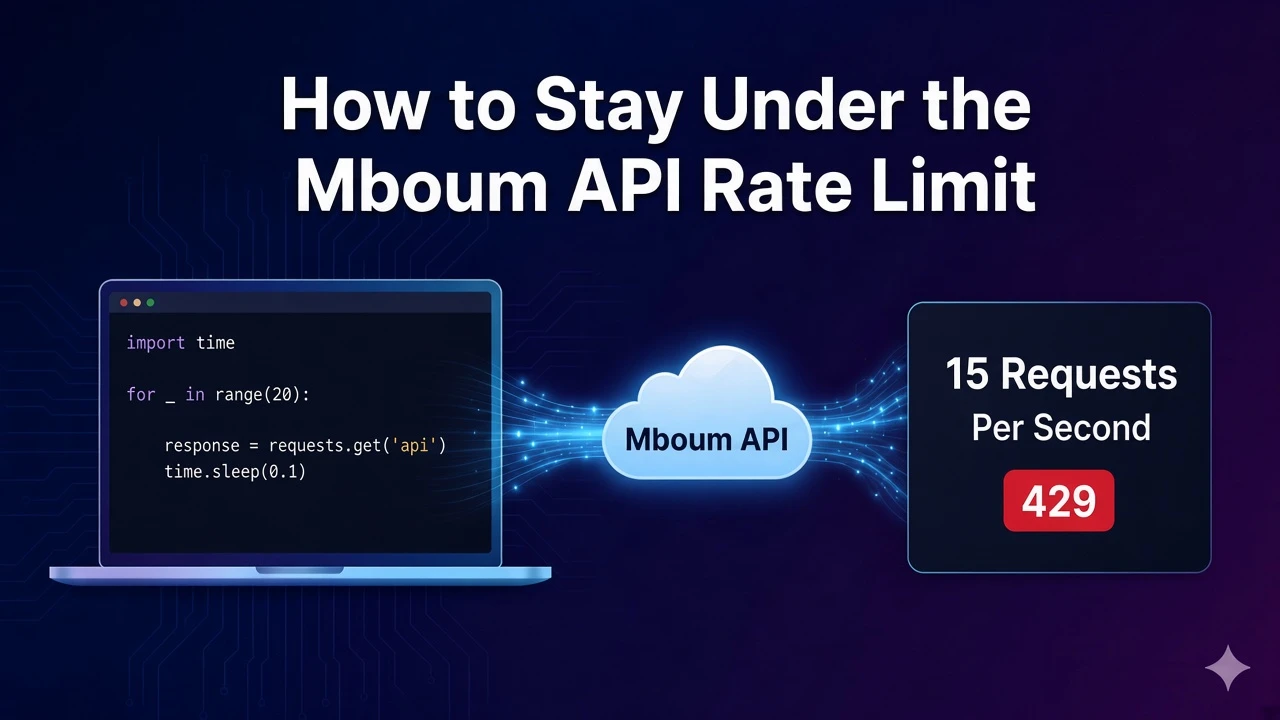
Every authenticated Mboum API call shares a documented limit of 15 requests per second, and exceeding it can return HTTP 429.
The docs recommend a retry when that happens. This post does not document market response fields. The quote request below is only an example of a call that counts toward the same limit.
To access this endpoint, you must obtain an API key: Get your API key
The Endpoint
Rate limiting applies across authenticated calls. The sample is one counted request to GET /v1/markets/quote with ticker=AAPL. Every authenticated call counts toward the same 15 requests per second limit.
Parameters
- ticker: Used on the sample counted request. The example is
AAPL. There are no rate-limit-specific query parameters. Authenticated requests share the documented 15 requests per second limit. This post does not document quote response fields.
Python Example
The script sends one quote request and checks the status code. A 429 means the call was rate limited and should be retried. Send a Bearer token from your Mboum API key.
import requests

url = "https://api.mboum.com/v1/markets/quote"
headers = {"Authorization": "Bearer YOUR_API_KEY"}
params = {"ticker": "AAPL"}

response = requests.get(url, headers=headers, params=params)
if response.status_code == 429:
    print("The call was rate limited and should be retried")
else:
    response.raise_for_status()
Understanding the Response
This topic does not document a market JSON body. Check the HTTP status of the counted call. When the documented limit of 15 requests per second is exceeded, the response can be HTTP 429 Too Many Requests. The docs recommend a retry when that happens.
If the status code is 429, treat the call as rate limited and retry. Otherwise raise on other HTTP errors and continue your own workflow. Do not read this example as documentation of quote response fields.
Key Fields
- 15 requests per second: The documented limit. Every authenticated call shares it. A burst across endpoints still counts against that same ceiling.
- HTTP 429: Too Many Requests can be returned when the documented 15 requests per second limit is exceeded.
- Retry: The docs recommend a retry mechanism when a call comes back rate limited.
Practical Use Cases
Checking one counted call
Send one authenticated request. The quote URL with ticker=AAPL is only an example of traffic that counts. If status_code is 429, treat the call as rate limited and retry. Otherwise raise on other errors and keep going.
Counting calls across endpoints
Every authenticated call shares that same per-second limit. A burst across endpoints still counts against the single 15 requests per second ceiling. Stay within that limit, and retry when the docs say to.
Learn more or explore other endpoints: Rate limiting