An autocomplete box that takes the first symbol starting with AA will often attach the wrong listing to a watchlist.
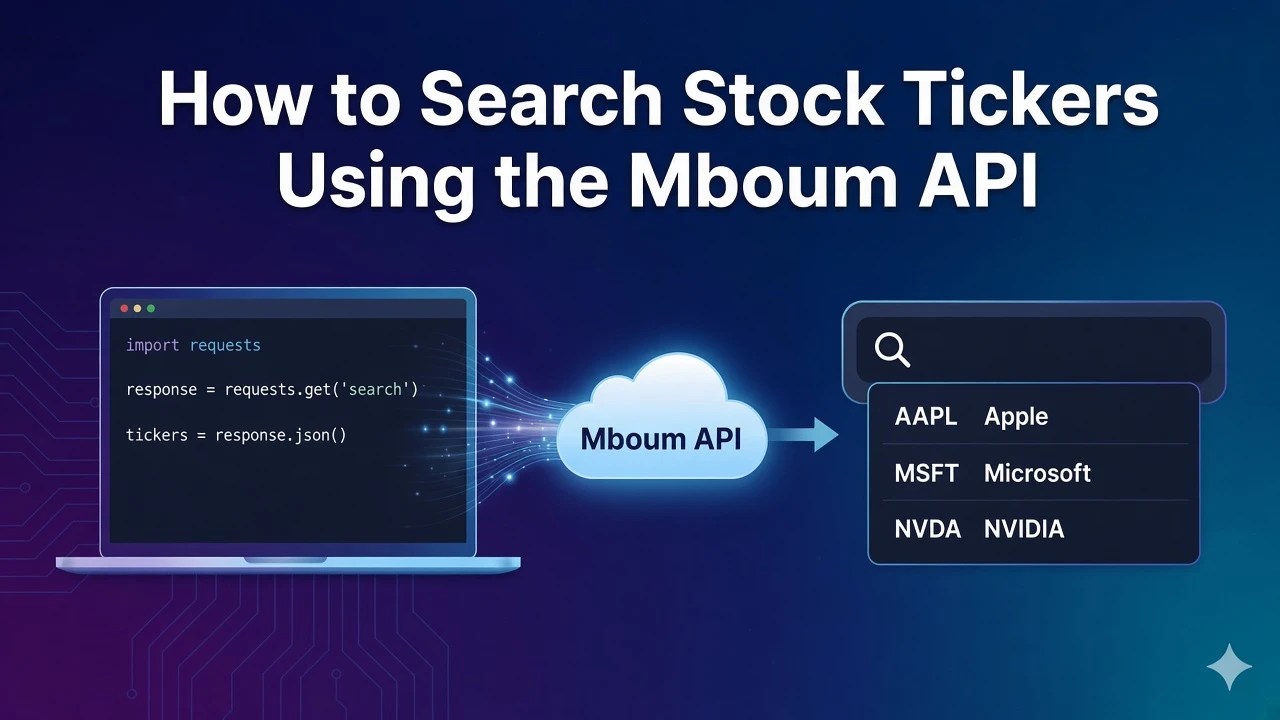
This guide calls GET /v1/markets/search with search=AA and walks the sample matches for Alcoa Corporation (AA, NYSE, Equity) and American Airlines Group Inc. (AAL, NASDAQ, Equity). The parameter name is search. This guide stays on the v1 search path.
To access this endpoint, you must obtain an API key: Get your API key
The Endpoint
Ticker lookup for a company name or a partial symbol lives on this path. meta.symbol echoes the term you sent, and body is the list of matches. The sample term is AA.
Parameters
- search: required string. The sample uses AA. The parameter name is search.
Python Example
The function searches for AA, prints the meta echo, then prints symbol, name, exchange display, and type display for each body row.
import requests

def fetch_search():
    url = "https://api.mboum.com/v1/markets/search"
    headers = {"Authorization": "Bearer YOUR_API_KEY"}
    params = {"search": "AA"}
    response = requests.get(url, headers=headers, params=params)
    response.raise_for_status()
    return response.json()

payload = fetch_search()
print(payload.get("meta", {}))
for item in payload.get("body", []) or []:
    if isinstance(item, dict):
        print(item.get("symbol"), item.get("name"), item.get("exchDisp"), item.get("typeDisp"))
Understanding the Response
meta.symbol echoes AA. The first body row is symbol AA, name Alcoa Corporation, exch NYQ, type S, exchDisp NYSE, and typeDisp Equity. The second row is symbol AAL, name American Airlines Group Inc., exch NMS, type S, exchDisp NASDAQ, and typeDisp Equity.
{
  "meta": {
    "symbol": "AA"
  },
  "body": [
    {
      "symbol": "AA",
      "name": "Alcoa Corporation",
      "exch": "NYQ",
      "type": "S",
      "exchDisp": "NYSE",
      "typeDisp": "Equity"
    },
    {
      "symbol": "AAL",
      "name": "American Airlines Group Inc.",
      "exch": "NMS",
      "type": "S",
      "exchDisp": "NASDAQ",
      "typeDisp": "Equity"
    }
  ]
}
Use exchDisp and typeDisp when two rows share a similar name or prefix. Those display fields are how you tell listings apart before you call a quote or summary endpoint with the chosen symbol. Taking the first match alone can point later quote calls at the wrong listing.
Key Fields
- Echo: meta.symbol echoes the search term you sent. In the sample that term is AA.
- Listing identity: each body row includes symbol, name, exch, and type. The sample rows are AA / NYQ / S and AAL / NMS / S.
- Display labels: exchDisp and typeDisp. The sample shows NYSE and Equity for AA, and NASDAQ and Equity for AAL.
Practical Use Cases
Prefix autocomplete for AA
Send search=AA and list symbol with exchDisp and typeDisp. The sample separates AA on NYSE from AAL on NASDAQ, both with typeDisp Equity.
Choosing the listing before a quote
After the user picks a row, store symbol together with exchDisp and typeDisp. In the sample, Alcoa is AA on NYSE and American Airlines is AAL on NASDAQ.
Learn more or explore other endpoints: Ticker search