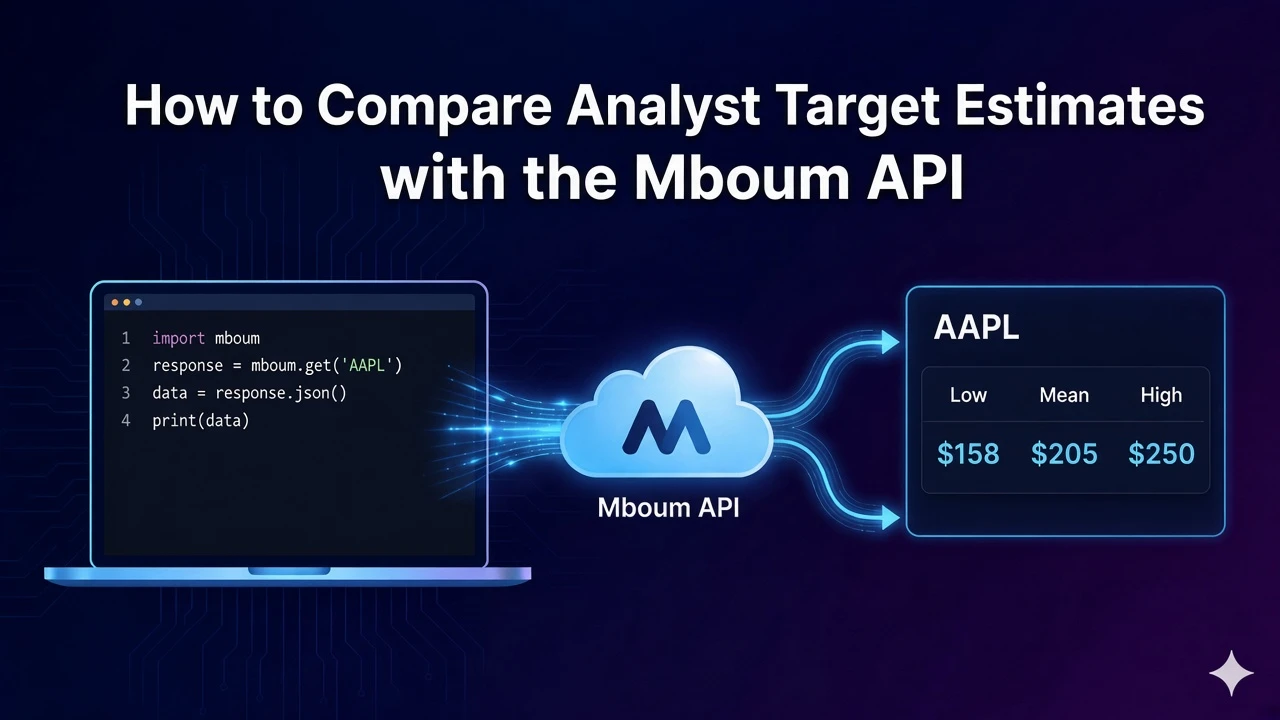
Analyst target estimates sit next to last price so you can compare where the mean, high, and low targets sit relative to the current quote.
This post uses the v1 analyst-ratings endpoint only. You send one or more tickers, up to ten, optionally set page, and read each row’s target fields with the latest price and percent change. Do not treat this as the v2 price-targets path.
To access this endpoint, you must obtain an API key: Get your API key
The Endpoint
Method: GET
Endpoint: https://api.mboum.com/v1/markets/stock/analyst-ratings
Documentation: Analyst ratings
GET /v1/markets/stock/analyst-ratings returns target estimates for the tickers you send. The sample request is ticker=AAPL,NVDA and page=1, so two symbols share one response shape.
Parameters
- ticker: Required. Up to 10 comma-separated symbols. The example is
AAPL,NVDA. Keep the list at ten or fewer, and split into another request if you need more than ten tickers. - page: Optional integer. The example is
1. If you page further, keep the same ticker list and change onlypage.
Python Example
The script requests page 1 for AAPL and NVDA, then prints meta counts and each row’s symbol, lastPrice, and meanTargetEstimate. Send a Bearer token from your Mboum API key.
import requests

url = "https://api.mboum.com/v1/markets/stock/analyst-ratings"
headers = {"Authorization": "Bearer YOUR_API_KEY"}
params = {"ticker": "AAPL,NVDA", "page": 1}

response = requests.get(url, headers=headers, params=params)
response.raise_for_status()
payload = response.json()
print(payload["meta"]["count"], payload["meta"]["total"])
for item in payload["body"]:
    print(item["symbol"], item["lastPrice"], item["meanTargetEstimate"])
Understanding the Response
A successful response has meta and body. Meta has count and total. Each body row is one symbol. The shortened example below shows one row. In that sample, meta.count and meta.total are both 2.
{
  "meta": {
    "count": 2,
    "total": 2
  },
  "body": [
    {
      "symbol": "AAPL",
      "symbolName": "Apple Inc",
      "exchange": "NASDAQ",
      "lastPrice": 190.0,
      "priceChange": 1.2,
      "percentChange": 0.64,
      "meanTargetEstimate": 210.0,
      "highTargetEstimate": 250.0,
      "lowTargetEstimate": 160.0
    }
  ]
}
Compare lastPrice to meanTargetEstimate first, then glance at highTargetEstimate and lowTargetEstimate for the range. priceChange and percentChange describe the latest move on the quote, not the target itself. Keep symbolName and exchange when you display more than one name.
Key Fields
- count and total: Meta for the rows returned. The shortened example sets both to 2.
- symbol, symbolName, and exchange: Identity for the row. The sample symbol is
AAPL, the sample name is Apple Inc, and the sample exchange isNASDAQ. - lastPrice, priceChange, and percentChange: The latest quote on the row. In the sample those are 190.0, 1.2, and 0.64. The change fields describe the quote, not the target.
- meanTargetEstimate, highTargetEstimate, and lowTargetEstimate: The street’s mean target and the high and low of the range. In the sample those are 210.0, 250.0, and 160.0.
Practical Use Cases
Comparing two symbols
Pass the symbols you want in one ticker value, separated by commas. The example uses AAPL,NVDA with page=1. Print symbol, lastPrice, and meanTargetEstimate for each body row so the mean target sits next to the last price.
Reading the target range
After the mean, note highTargetEstimate and lowTargetEstimate to see the spread. Stay on this analyst-ratings path for those fields. ticker accepts at most 10 symbols in one request, so split into another request if you need more than ten.
Learn more or explore other endpoints: Analyst ratings