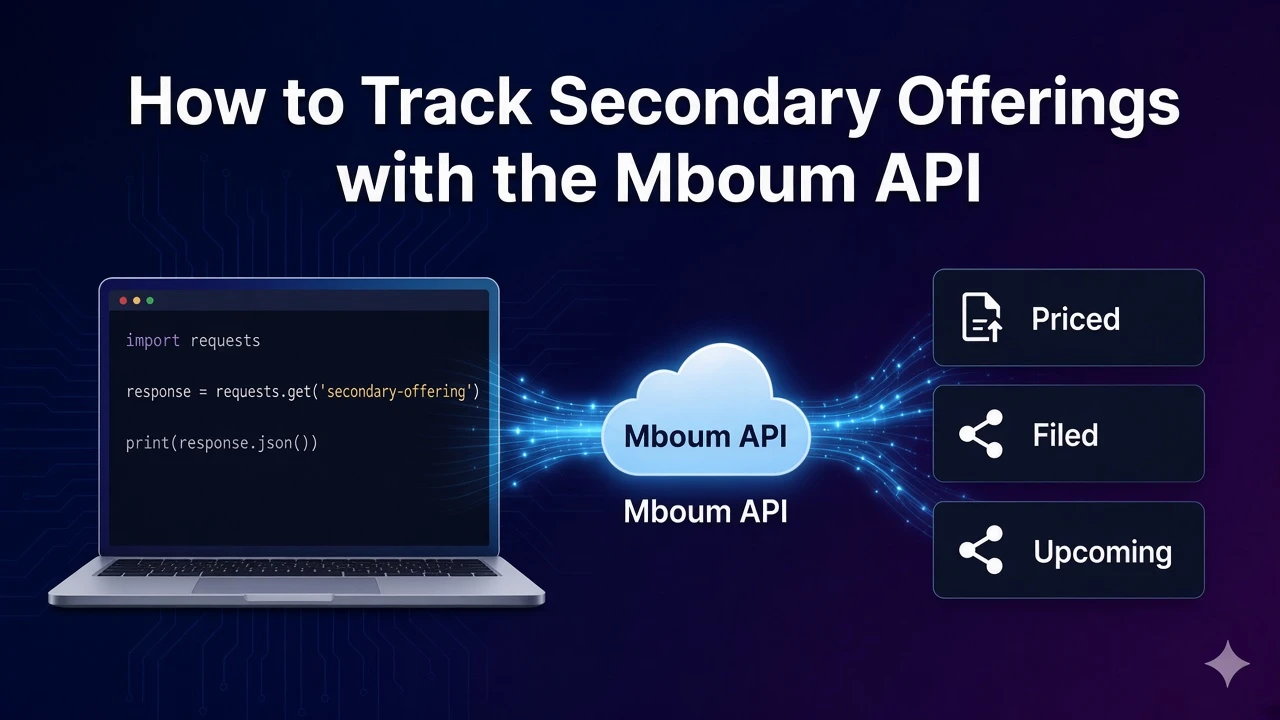
Secondary offerings can dilute existing shares and move prices around the filing and pricing window. The Mboum public offerings calendar returns priced, upcoming, filed, and withdrawn deals for a month so you can track capital-markets activity without scraping exchange calendars by hand. After this walkthrough you will request one month of offerings, read the four lists on the response body, and print a priced deal with its ticker, company name, and status.
This endpoint is the secondary offerings calendar, not the IPO calendar. Use it when you need dilution alerts, deal-status coverage, or a month view of capital raises that are already priced or still moving through the pipeline.
👉 To access this endpoint, you must obtain an API key: https://mboum.com/pages/api
The Public Offerings Endpoint
Public offerings live under GET /v1/markets/calendar/public_offerings.
Documentation:
https://docs.mboum.com/#stocks-options-GETapi-v1-markets-calendar-public_offerings
Request
GET https://api.mboum.com/v1/markets/calendar/public_offerings?date=2023-11
Authorization: Bearer YOUR_API_KEY
Parameters
date— optional, formatYYYY-MM(example2023-11)
Choosing the Request
For this walkthrough send date=2023-11. That asks for November 2023 offerings and keeps the sample easy to compare against the docs. Leave date off only when you intentionally want the endpoint default month instead of a pinned year-month.
Do not pass a day-level value such as 2023-11-15. The parameter is a month string, and treating it like a daily calendar filter will not match the documented format. Keep this route separate from the IPO calendar when you are building dilution or secondary-deal tools.
Sample Response
Shortened example of meta plus one priced row. The same body also carries upcoming, filed, and withdrawn lists:
{
  "meta": {
    "date": "2023-11"
  },
  "body": {
    "priced": [
      {
        "dealID": "12345",
        "proposedTickerSymbol": "EXAMPLE",
        "companyName": "Example Corp",
        "proposedExchange": "NASDAQ",
        "proposedSharePrice": "25.00",
        "sharesOffered": "10000000",
        "pricedDate": "2023-11-15",
        "dollarValueOfSharesOffered": "250000000",
        "dealStatus": "Priced"
      }
    ],
    "upcoming": [],
    "filed": [],
    "withdrawn": []
  }
}
Python Example
import requests

url = "https://api.mboum.com/v1/markets/calendar/public_offerings"
headers = {"Authorization": "Bearer YOUR_API_KEY"}
params = {"date": "2023-11"}

response = requests.get(url, headers=headers, params=params)
response.raise_for_status()
body = response.json()["body"]
for deal in body.get("priced", [])[:5]:
    print(deal["proposedTickerSymbol"], deal["companyName"], deal["dealStatus"])
Understanding the Response
meta.date echoes the month you requested. The body object has four lists: priced, upcoming, filed, and withdrawn. Read each list on its own when you care about deal stage.
Priced row keys include dealID, proposedTickerSymbol, companyName, proposedExchange, proposedSharePrice, sharesOffered, pricedDate, dollarValueOfSharesOffered, and dealStatus. proposedSharePrice and dollarValueOfSharesOffered arrive as strings, so convert them before math. The other three lists sit on the same body; inspect their rows in live responses rather than assuming a second schema in this post.
Walkthrough
- Call the endpoint with
date=2023-11and confirmmeta.datematches that month. - Open
body.pricedand printproposedTickerSymbol,companyName, anddealStatusfor the first few deals. - Also check
upcoming,filed, andwithdrawnon the same body so you know which stage each deal is in for that month.
Watch for This
date is YYYY-MM, a month, not YYYY-MM-DD. Also treat proposedSharePrice and dollarValueOfSharesOffered as strings when you parse priced rows.
Once the four lists look right for your month, keep the same year-month style in your job and scan priced deals alongside filed and withdrawn names for dilution coverage.
👉 Get your API key and start tracking offerings: https://mboum.com/pages/api