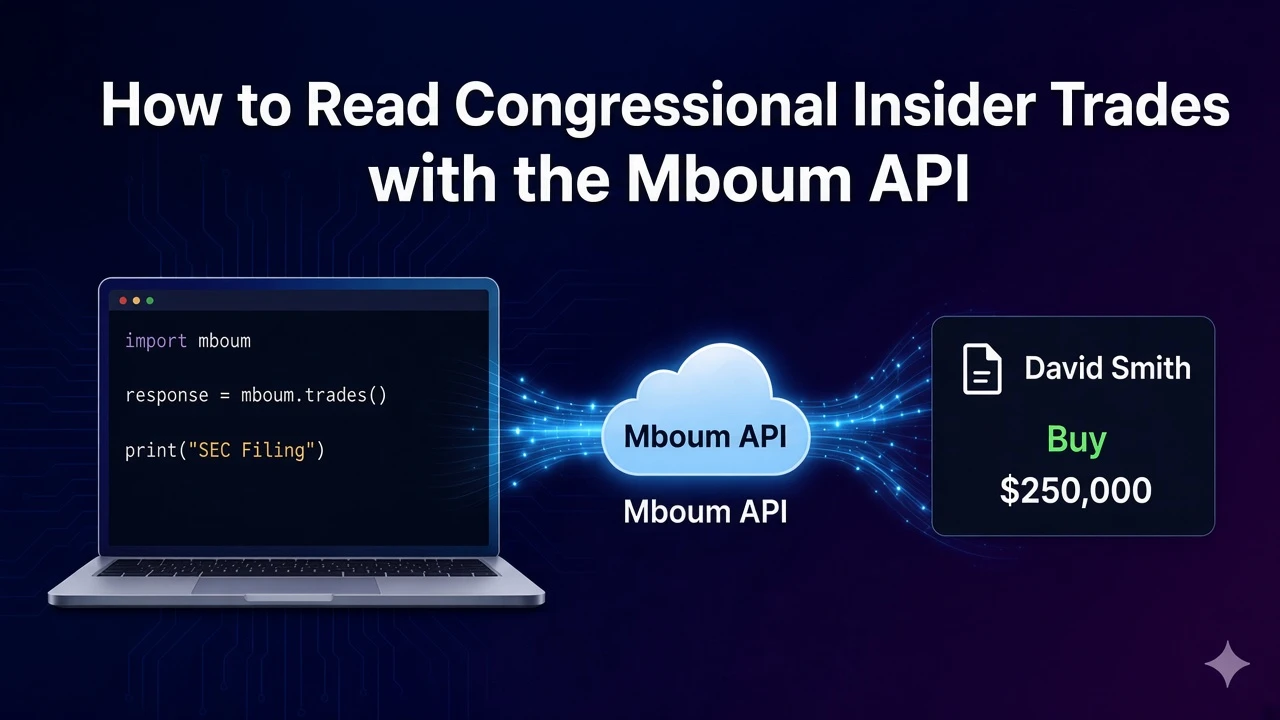
Open a company's SEC filing from the HTML link on the first row returned for that ticker.
In the published sample that first row is form type 4. The latest labels on the same body are 10-K and 10-Q.
To access this endpoint, you must obtain an API key: Get your API key
Request ALL filings for AAPL
GET /v2/markets/stock/sec-filings needs a ticker and a type. This call sends AAPL, ALL, and limit 15, the documented example. FORM-4 is the other documented type. In the published sample, meta.symbol is AAPL and meta.totalRecords is 14.
Print the first HTML link
The script prints the echoed symbol, the first row's formType and filed, then view.htmlLink.
import requests

url = "https://api.mboum.com/v2/markets/stock/sec-filings"
headers = {"Authorization": "Bearer YOUR_API_KEY"}
params = {"ticker": "AAPL", "type": "ALL", "limit": "15"}

response = requests.get(url, headers=headers, params=params)
response.raise_for_status()
payload = response.json()
row = payload["body"]["rows"][0]
print(payload["meta"]["symbol"], row["formType"], row["filed"])
print(row["view"]["htmlLink"])
The row is a Form 4
The first row in the published sample carries this link.
{
  "companyName": "Apple Inc.",
  "formType": "4",
  "filed": "12/01/2023",
  "view": {
    "htmlLink": "https://app.quotemedia.com/data/downloadFiling?webmasterId=90423&ref=317904974&type=HTML&symbol=AAPL&cdn=223480e7e41b2dfefe24d0b584ff09c0&companyName=Apple+Inc.&formType=4&formDescription=Statement+of+changes+in+beneficial+ownership+of+securities&dateFiled=2023-12-01"
  }
}
Every row in the sample has formType 4. body.latest has two items, labeled 10-K and 10-Q, and each value is its own link. One limitation: view.htmlLink on a row is that Form 4, and the 10-K and 10-Q links are the value fields under those latest labels.
Learn more or explore other endpoints: SEC filings