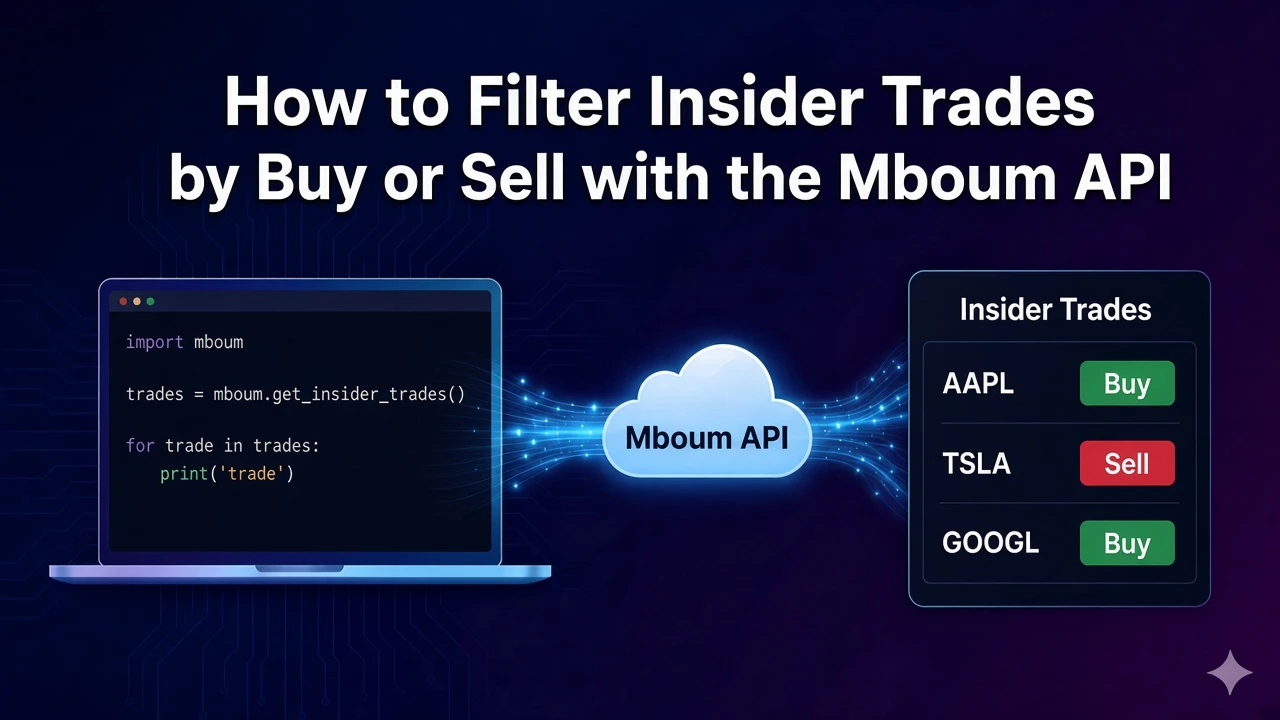
Filter insider trades down to buys by keeping every row whose transactionType is Buy.
The published sample is a mixed page. The first row is a Sell and the next row is a Buy, so the list is the rows the script keeps.
To access this endpoint, you must obtain an API key: Get your API key
Ask for Buy on page 1
GET /v1/markets/insider-trades accepts type values Buy, Sell, and Transfer. This request sends Buy and page 1, and leaves ticker off, so more than one symbol can appear. The published sample's meta.page is the string 2.
Keep rows marked Buy
The script asks for Buy, then prints symbol, transactionType, usdValue, and transactionDate only when transactionType is Buy. A sell list is the same loop with Sell.
import requests

url = "https://api.mboum.com/v1/markets/insider-trades"
headers = {"Authorization": "Bearer YOUR_API_KEY"}
params = {"type": "Buy", "page": "1"}

response = requests.get(url, headers=headers, params=params)
response.raise_for_status()
payload = response.json()
for row in payload["body"]:
    if row["transactionType"] != "Buy":
        continue
    print(row["symbol"], row["transactionType"], row["usdValue"], row["transactionDate"])
The sample page is mixed
These are the Buy-row fields the script prints. The full sample row also includes the person's name, job title, and note. The row ahead of it is a Sell for LAD.
{
  "symbol": "CHRD",
  "transactionType": "Buy",
  "usdValue": "8,000",
  "transactionDate": "01/24/24"
}
meta.count is 50 and meta.total is 477. One limitation: that published page mixes Sell and Buy, so the buy list is the rows whose transactionType is Buy.
Learn more or explore other endpoints: insider trades