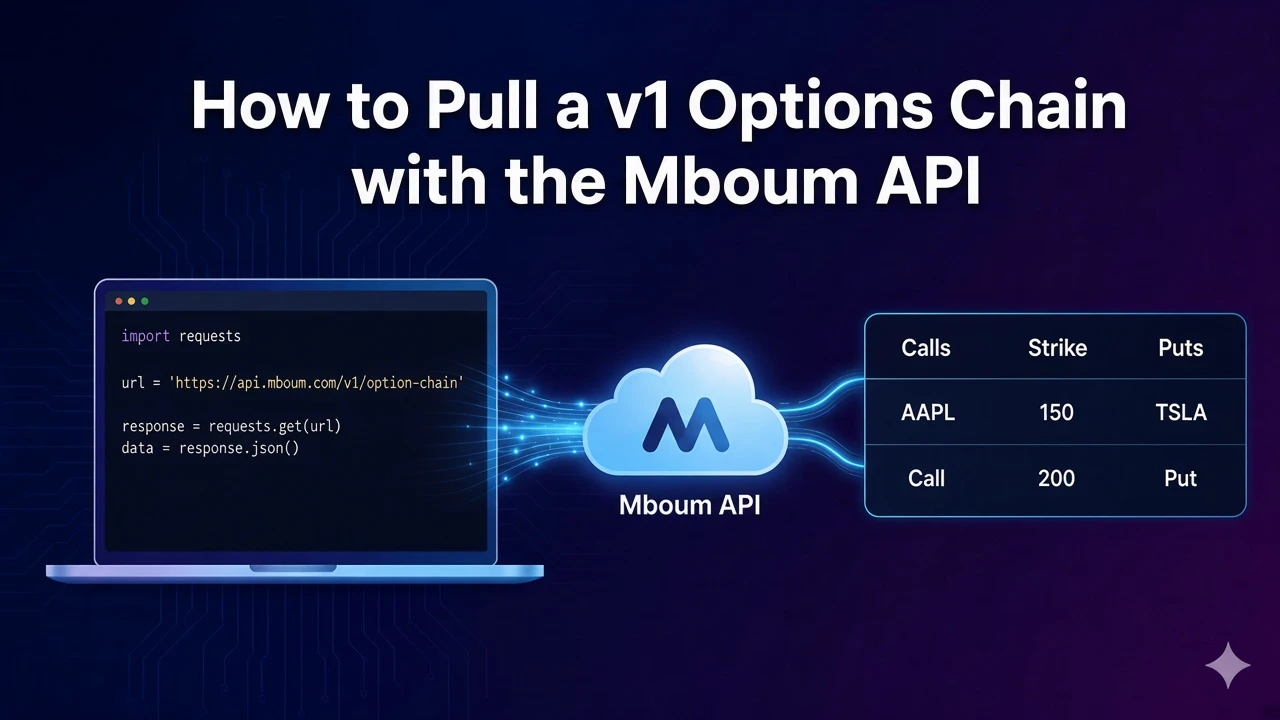
Pull a v1 options chain for one ticker and read expiration dates, strikes, quote context, and the first call and put contracts in the response.
GET /v1/markets/options returns expirations, strikes, a quote object, and call and put contracts for one ticker. Calls stay in the calls list and puts stay in the puts list. This guide covers the v1 options endpoint only.
To access this endpoint, you must obtain an API key: Get your API key
The Endpoint
The sample request sends only the required ticker, here AAPL. Leave expiration and display off so the default chain comes back with expirationDates, strikes, quote, and options.
Parameters
- ticker: Required. The sample uses
AAPL. - expiration: Optional unix timestamp. Add it when you already know which expiry you want.
- display: Optional. Values are
listorstraddle. A documented example isstraddle. The sample request does not set it.
Python Example
The script requests the AAPL chain and prints the first contract from calls and the first contract from puts, each with contract symbol, strike, and last price. Send a Bearer token from your Mboum API key.
import requests

def read_v1_options(ticker, api_key):
    url = "https://api.mboum.com/v1/markets/options"
    headers = {"Authorization": f"Bearer {api_key}"}
    params = {"ticker": ticker}

    response = requests.get(url, headers=headers, params=params)
    response.raise_for_status()
    payload = response.json()
    body = payload["body"]
    first_expiration = body["options"][0]
    first_call = first_expiration["calls"][0]
    first_put = first_expiration["puts"][0]
    print(first_call["contractSymbol"], first_call["strike"], first_call["lastPrice"])
    print(first_put["contractSymbol"], first_put["strike"], first_put["lastPrice"])

read_v1_options("AAPL", "YOUR_API_KEY")
Understanding the Response
body is one object. It carries underlyingSymbol, expirationDates, strikes, hasMiniOptions, quote, and options. Each options entry has expirationDate, hasMiniOptions, a calls list, and a puts list. Start from quote.regularMarketPrice for context, then read a call contract and a put contract by strike and lastPrice.
{
  "meta": {},
  "body": {
    "underlyingSymbol": "AAPL",
    "expirationDates": [1737072000],
    "strikes": [150, 155],
    "hasMiniOptions": false,
    "quote": {
      "regularMarketPrice": 190.5,
      "shortName": "Apple Inc.",
      "longName": "Apple Inc."
    },
    "options": [
      {
        "expirationDate": 1737072000,
        "hasMiniOptions": false,
        "calls": [
          {
            "contractSymbol": "AAPL250117C00150000",
            "strike": 150,
            "currency": "USD",
            "lastPrice": 42.1,
            "change": 0.5,
            "percentChange": 1.2,
            "volume": 120,
            "openInterest": 500,
            "bid": 41.8,
            "ask": 42.4,
            "contractSize": "REGULAR"
          }
        ],
        "puts": [
          {
            "contractSymbol": "AAPL250117P00150000",
            "strike": 150,
            "currency": "USD",
            "lastPrice": 1.2,
            "change": -0.1,
            "percentChange": -7.7,
            "volume": 80,
            "openInterest": 300,
            "bid": 1.1,
            "ask": 1.3,
            "contractSize": "REGULAR"
          }
        ]
      }
    ]
  }
}
Key Fields
- underlyingSymbol, expirationDates, and strikes:
underlyingSymbolin the sample isAAPL.expirationDatesis an array of unix timestamps, here1737072000.strikesin the sample are150and155. - hasMiniOptions: Present on the body and on each options entry. Both are false in the sample.
- quote: Includes
regularMarketPrice,shortName, andlongName. The sample price is190.5, and both names are Apple Inc. - expirationDate, calls, and puts: Each options entry keeps calls and puts in separate lists. The sample expiration is
1737072000. - contractSymbol, strike, currency, lastPrice, change, percentChange, volume, openInterest, bid, ask, and contractSize: Fields on each call or put contract. The sample call is
AAPL250117C00150000at strike150, last price42.1, change0.5, percent change1.2, volume120, open interest500, bid41.8, ask42.4, currencyUSD, and contract sizeREGULAR. The sample put isAAPL250117P00150000at strike150, last price1.2, change-0.1, percent change-7.7, volume80, open interest300, bid1.1, ask1.3, currencyUSD, and contract sizeREGULAR.
Practical Use Cases
Reading the first call and put
Request the chain with ticker=AAPL and confirm body.underlyingSymbol matches. Open body.options[0], take the first item in calls, and take the first item in puts. Read contractSymbol, strike, and lastPrice on each. Use quote.regularMarketPrice for the underlying context. In the sample that price is 190.5.
Narrowing to one expiration
expirationDates are unix timestamps, not YYYY-MM-DD strings. The sample list contains 1737072000, and the first options entry uses that same expirationDate. Send expiration only after you know which unix timestamp you want. Use display with list or straddle only when you need that presentation. The sample request does not set it.
Learn more or explore other endpoints: v1 options chain