A short company profile is tempting to treat as a set of accounts. It is only the fields that actually came back. Missing revenue is not a short income statement, and a missing ratio is not the ratios history under another name.
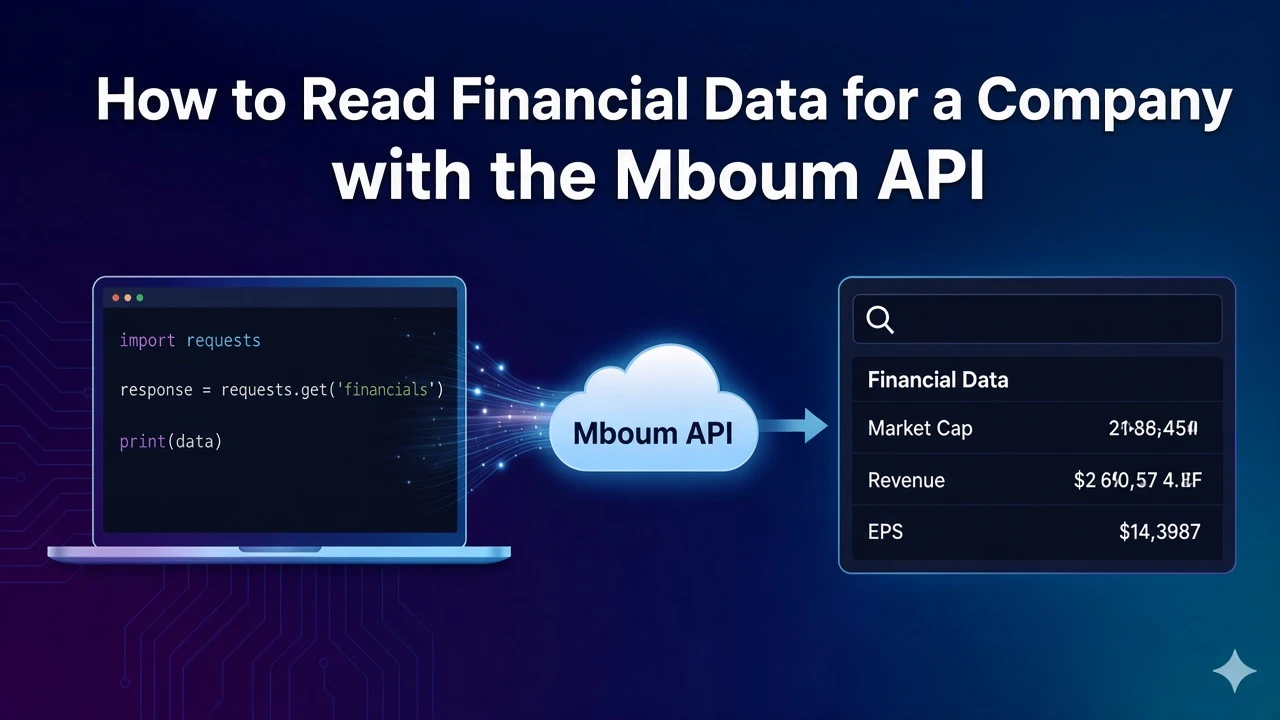
Stock modules with financial-data is that snapshot, for one ticker. The published example body is empty, so there is no figure to interpret until a response contains keys. Timeframe does not apply here. It belongs to the dated statement modules, and sending it does not turn this response into an annual history. Check meta.modules so the body you are reading is the module you asked for.
import requests

url = "https://api.mboum.com/v1/markets/stock/modules"
response = requests.get(
    url,
    params={"ticker": "AAPL", "module": "financial-data"},
    headers={"Authorization": "Bearer YOUR_API_KEY"},
    timeout=30,
)
response.raise_for_status()
payload = response.json()

meta = payload.get("meta") or {}
body = payload.get("body")
print("module", meta.get("modules"))
if not isinstance(body, dict) or not body:
    print("body has no fields")
else:
    for key in sorted(body):
        value = body[key]
        if value is None:
            print(key, "missing")
        elif isinstance(value, dict):
            print(key, "object", len(value))
        elif isinstance(value, list):
            print(key, "list", len(value))
        else:
            print(key, "value", value)
{
"meta": { "symbol": "AAPL", "modules": "financial-data" },
"body": {}
}When keys do arrive, each one is missing, a nested object, a list, or a single value. A nested object and a plain number are not terms in the same sum. A margin is worth calculating only from fields this body contains.
To access this endpoint, you must obtain an API key: Get your API key
Learn more or explore other endpoints: stock modules