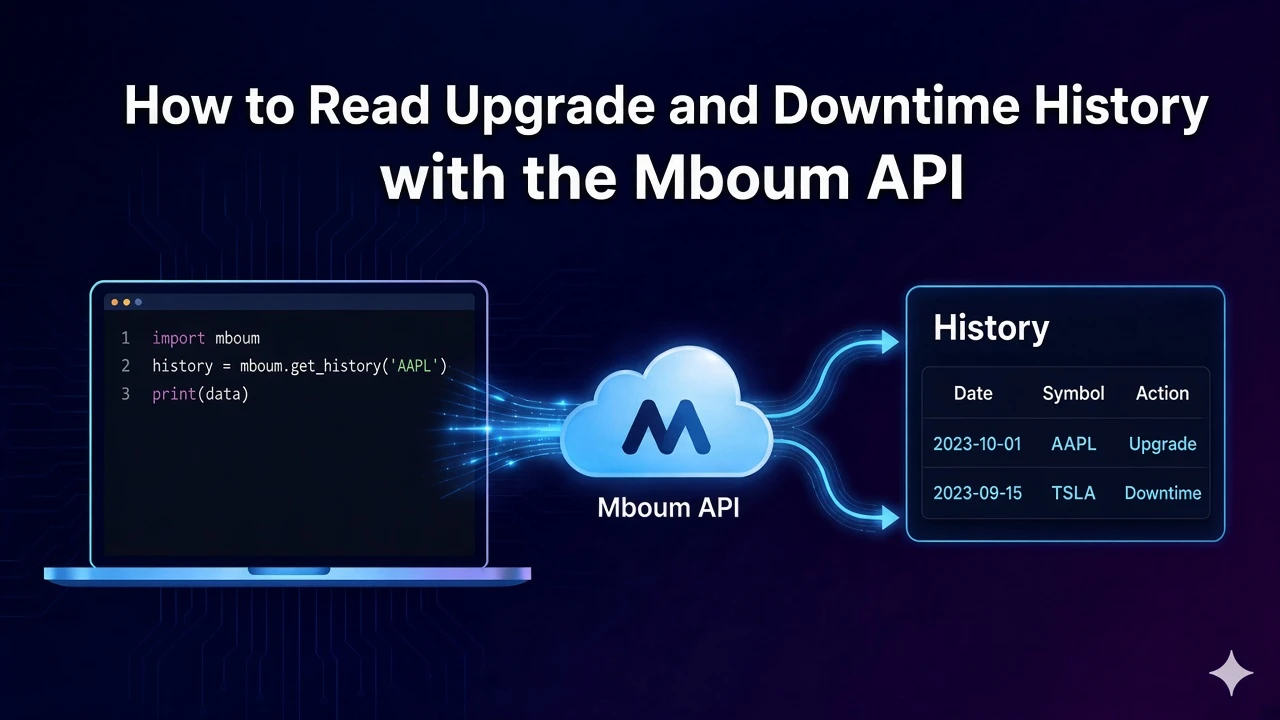
Read upgrade and downgrade history by requesting the upgrade-downgrade-history module and printing the keys that come back.
The docs describe upgrade-downgrade-history as upgrade and downgrade history. The names inside it are the keys the response prints.
To access this endpoint, you must obtain an API key: Get your API key
Request upgrade and downgrade history
GET /v1/markets/stock/modules with ticker AAPL and module upgrade-downgrade-history asks for that history. Timeframe stays unset on this module.
Read the printed names
A dict body prints as a sorted key list. Any other body prints as its type name. That line is the history record.
import requests

url = "https://api.mboum.com/v1/markets/stock/modules"
headers = {"Authorization": "Bearer YOUR_API_KEY"}
params = {"ticker": "AAPL", "module": "upgrade-downgrade-history"}

response = requests.get(url, headers=headers, params=params)
response.raise_for_status()
payload = response.json()
body = payload["body"]
if isinstance(body, dict):
    print(sorted(body.keys()))
else:
    print(type(body).__name__)
One limitation: upgrade-downgrade-history has no published child keys, so the script's print is the record of the names.
Learn more or explore other endpoints: stock modules