A quote job that fires every weekday morning will still run on a holiday if it only checks the wall clock.
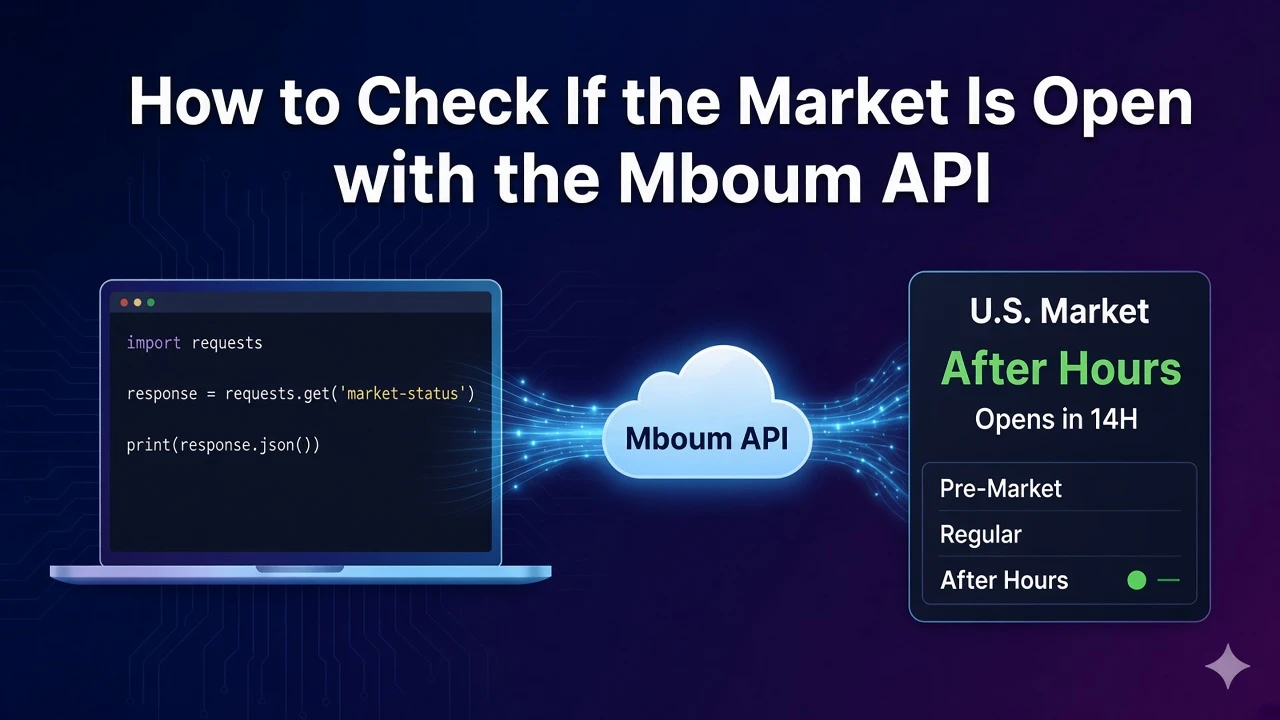
This guide calls GET /v2/markets/market-info with no query parameters and walks the sample body, where country is United States, mrktStatus and marketIndicator are CLOSED, isBusinessDay is true, mrktCountDown is 15:42:11, previousTradeDate is 2024-09-27, and nextTradeDate is 2024-09-30.
To access this endpoint, you must obtain an API key: Get your API key
The Endpoint
U.S. session status lives on this path. The documented request has no query parameters. Call it with your API key when you need session state before quotes, options flow, or calendars.
Parameters
- No query parameters: the documented request has no query parameters. Call the path with your API key only.
Python Example
The function calls market info with no query string and prints mrktStatus, marketIndicator, isBusinessDay, mrktCountDown, and nextTradeDate.
import requests

def fetch_market_info():
    url = "https://api.mboum.com/v2/markets/market-info"
    headers = {"Authorization": "Bearer YOUR_API_KEY"}
    response = requests.get(url, headers=headers)
    response.raise_for_status()
    return response.json()

body = fetch_market_info().get("body", {})
print(body.get("mrktStatus"), body.get("marketIndicator"), body.get("isBusinessDay"))
print(body.get("mrktCountDown"), body.get("nextTradeDate"))
Understanding the Response
The sample body sets country to United States, marketIndicator, uiMarketIndicator, and mrktStatus to CLOSED, and both marketCountDown and mrktCountDown to 15:42:11. The clocks are preMarketOpeningTime 04:00, preMarketClosingTime 09:30, marketOpeningTime 09:30, marketClosingTime 16:00, afterHoursMarketOpeningTime 16:00, and afterHoursMarketClosingTime 20:00. previousTradeDate is 2024-09-27, nextTradeDate is 2024-09-30, and isBusinessDay is true.
{
  "body": {
    "country": "United States",
    "marketIndicator": "CLOSED",
    "uiMarketIndicator": "CLOSED",
    "marketCountDown": "15:42:11",
    "preMarketOpeningTime": "04:00",
    "preMarketClosingTime": "09:30",
    "marketOpeningTime": "09:30",
    "marketClosingTime": "16:00",
    "afterHoursMarketOpeningTime": "16:00",
    "afterHoursMarketClosingTime": "20:00",
    "previousTradeDate": "2024-09-27",
    "nextTradeDate": "2024-09-30",
    "isBusinessDay": true,
    "mrktStatus": "CLOSED",
    "mrktCountDown": "15:42:11"
  }
}
There is no single boolean named open. Read mrktStatus and marketIndicator for session state. In the sample both are CLOSED. isBusinessDay only tells you whether the date is a business day. It is true in the sample, and that does not by itself mean the regular session is open right now.
Key Fields
- Session labels: country, marketIndicator, uiMarketIndicator, and mrktStatus. The sample country is United States and the three status strings are CLOSED.
- Countdowns: marketCountDown and mrktCountDown. Both are 15:42:11 in the sample.
- Session clocks: preMarketOpeningTime, preMarketClosingTime, marketOpeningTime, marketClosingTime, afterHoursMarketOpeningTime, and afterHoursMarketClosingTime. The sample clocks are 04:00, 09:30, 09:30, 16:00, 16:00, and 20:00.
- Trade dates: previousTradeDate, nextTradeDate, and isBusinessDay. The sample dates are 2024-09-27 and 2024-09-30, and isBusinessDay is true.
Practical Use Cases
Pause quote jobs when the session is closed
Read mrktStatus and marketIndicator before pulling quotes. In the sample both are CLOSED, so a regular-hours job can wait. Use the opening and closing time fields when you need to label pre-market, regular, and after-hours windows.
Schedule the next run from the trade calendar
Use nextTradeDate 2024-09-30, previousTradeDate 2024-09-27, and mrktCountDown 15:42:11 to schedule the next run. isBusinessDay true in the sample does not by itself mean the regular session is open.
Learn more or explore other endpoints: Market info