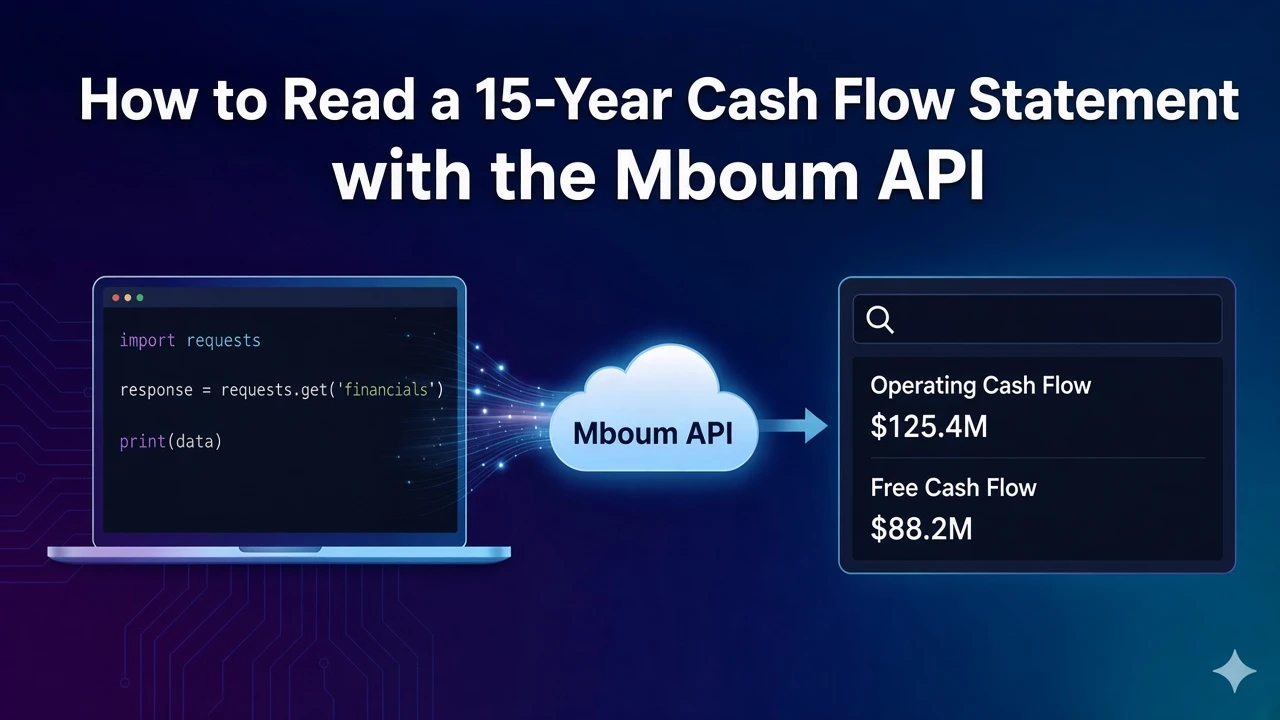
Free cash flow is the fcf map from each period date to that period's value.
The module is cashflow-statement-v2, documented as up to 15 years of cash-flow history. There is no example file, so the amounts below stay placeholders. The date keys are from an annual response.
To access this endpoint, you must obtain an API key: Get your API key
Request annual free cash flow
GET /v1/markets/stock/modules takes one ticker and one module. The module is cashflow-statement-v2. timeframe accepts annually, quarterly, or trailing. Omitting it selects annually. Documentation: stock modules.
import requests

url = "https://api.mboum.com/v1/markets/stock/modules"
headers = {"Authorization": "Bearer YOUR_API_KEY"}
params = {"ticker": "AAPL", "module": "cashflow-statement-v2", "timeframe": "annually"}

response = requests.get(url, headers=headers, params=params)
response.raise_for_status()
payload = response.json()
fcf = payload["body"]["fcf"]
for date, value in fcf.items():
    print(date, value)
Read each fcf entry with its date
meta.keys holds the description of fcf. The values are numbers. Read them with the date key on each entry.
{
  "meta": {
    "symbol": "AAPL",
    "keys": {
      "fcf": "Free cash flow, the cash generated by a company after accounting for capital expenditures."
    }
  },
  "body": {
    "fcf": {
      "TTM": "<value>",
      "2025-09-27": "<value>",
      "2024-09-28": "<value>",
      "2023-09-30": "<value>",
      "2022-09-24": "<value>",
      "2021-09-25": "<value>"
    }
  }
}
ncfdiv is in meta.keys and is absent from this body.
Learn more or explore other endpoints: stock modules