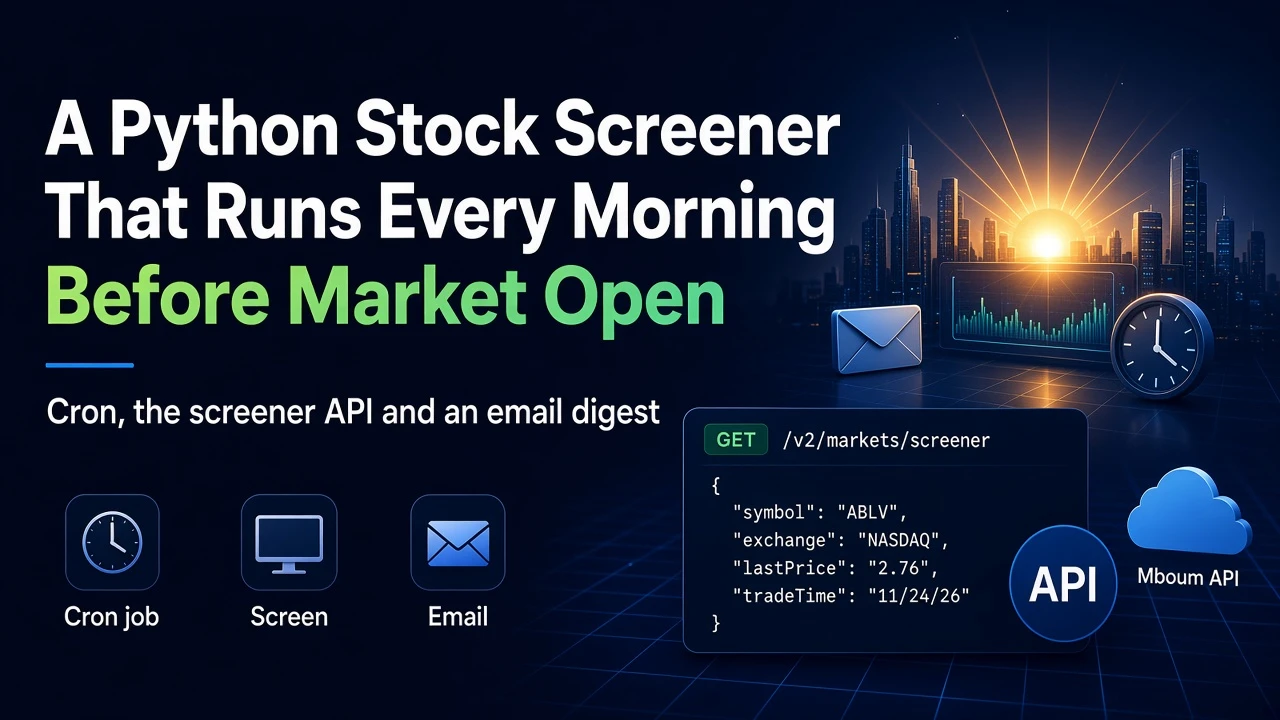
Most traders look at a screener once the market is already moving. A script can do the first pass for you: run a few screens, keep the stocks that show up on more than one, flag the ones that are new since yesterday, and email the shortlist before the open. This tutorial builds that in Python with Mboum's screener endpoint and a cron job.
Prerequisites
- Python 3.8 or later and the
requestspackage. Everything else is in the standard library. - A Mboum API key from mboum.com/pages/api.
- A machine that is on at the scheduled time, and SMTP details for sending mail (or just read the output in a log file).
Pick the screens
GET https://api.mboum.com/v2/markets/screener has weight 2 and returns 20 rows per page. filter picks a preset screen and meta.total tells you how many rows it has in all. We use four screens that look for strength:
52wk_toppicks: a new 52-week high with a gain above 10% over the past month (46 stocks at our check).hot_stocks: a buy trend signal with the 20-day average above the 50-day and the 50-day above the 100-day (123 stocks).consolidation: an uptrend trading sideways near highs (28 stocks).j_pattern: an uptrend that dips briefly and then resumes (21 stocks).
We chose these four because they were not empty when we tested. A screen with no matches answers HTTP 200 with "success": false and the message "No data returned". The golden_cross screen answered that way on the day we tried it, so the script treats an empty screen as zero rows instead of failing.
The script
The script reads every page of each screen, counts how many screens each symbol appears on, and compares the symbols with the ones saved from the last run. It ranks symbols on the most screens first, with new ones ahead of repeats. For the top 15 it makes one quotes call to add the pre-market change. Each row also shows tradeTime, the session date of the screen row. Save it as morning_screen.py:
import json
import os
import smtplib
from email.message import EmailMessage
from pathlib import Path

import requests

API_KEY = "YOUR_MBOUM_API_KEY"
BASE = "https://api.mboum.com"
HEADERS = {"Authorization": f"Bearer {API_KEY}"}

SCREENS = ["52wk_toppicks", "hot_stocks", "consolidation", "j_pattern"]
SEEN_FILE = Path("seen_symbols.json")
TOP_N = 15


def get(path, **params):
    resp = requests.get(BASE + path, headers=HEADERS, params=params, timeout=30)
    resp.raise_for_status()
    return resp.json()


def run_screen(name):
    """Return every row of one screen, 20 per page."""
    rows, page = [], 1
    while True:
        data = get("/v2/markets/screener", filter=name, metricType="overview", page=page)
        if data.get("success") is False:  # an empty screen is HTTP 200 with success false
            return rows
        rows += data["body"]
        if page * 20 >= int(data["meta"]["total"]):
            return rows
        page += 1


def get_quotes(symbols):
    data = get("/v1/markets/stock/quotes", ticker=",".join(symbols))
    return {q["symbol"]: q for q in data.get("body") or []}


def build_report(hits, new):
    # most screens first, new symbols before repeats
    ranked = sorted(hits, key=lambda s: (-len(hits[s]["screens"]), s not in new, s))[:TOP_N]
    quotes = get_quotes(ranked)

    lines = [f"{len(hits)} symbols on {len(SCREENS)} screens, {len(new)} new since the last run", ""]
    for sym in ranked:
        info = hits[sym]
        pre = quotes.get(sym, {}).get("preMarketChangePercent")
        pre_text = f"{pre:+.2f}%" if pre is not None else "-"
        lines.append(f"{'*' if sym in new else ' '} {sym:<6} pre-market {pre_text:>7}  "
                     f"{info['session']}  {', '.join(info['screens'])}")
    lines += ["", "* = new since the last run"]
    return "\n".join(lines)


def send(subject, text):
    msg = EmailMessage()
    msg["Subject"], msg["From"], msg["To"] = subject, os.environ["SMTP_USER"], os.environ["MAIL_TO"]
    msg.set_content(text)
    with smtplib.SMTP_SSL(os.environ["SMTP_HOST"], 465) as server:
        server.login(os.environ["SMTP_USER"], os.environ["SMTP_PASS"])
        server.send_message(msg)


def main():
    hits = {}
    for name in SCREENS:
        for row in run_screen(name):
            entry = hits.setdefault(row["symbol"], {"name": row["symbolName"], "screens": [],
                                                     "session": row.get("tradeTime")})
            entry["screens"].append(name)

    seen = set(json.loads(SEEN_FILE.read_text())) if SEEN_FILE.exists() else set()
    new = {s for s in hits if s not in seen}

    if not new:
        print("No new setups since the last run.")
    else:
        text = build_report(hits, new)
        if os.environ.get("SMTP_HOST"):
            send("Morning screen", text)
        else:
            print(text)

    SEEN_FILE.write_text(json.dumps(sorted(hits)))  # saved only after the report went out


if __name__ == "__main__":
    main()
What it prints
This is the real output of the first run, trimmed to the first 8 rows:
178 symbols on 4 screens, 178 new since the last run

* LH     pre-market       -  11/24/26  52wk_toppicks, hot_stocks, consolidation
* TGT    pre-market       -  11/24/26  52wk_toppicks, hot_stocks, j_pattern
* AEO    pre-market       -  11/24/26  hot_stocks, j_pattern
* ASUR   pre-market       -  11/24/26  52wk_toppicks, hot_stocks
* BDX    pre-market       -  11/24/26  52wk_toppicks, hot_stocks
* CBLL   pre-market       -  11/24/26  52wk_toppicks, hot_stocks
* CBRL   pre-market       -  11/24/26  52wk_toppicks, hot_stocks
* COLM   pre-market       -  11/24/26  52wk_toppicks, hot_stocks
The four screens add up to 218 rows, but only 178 symbols are unique, so about 40 appear on more than one screen. A second run straight afterwards printed No new setups since the last run. and made no quotes call.
We ran this in the evening after the close, so the pre-market column is empty for every row. The pre-market fields are always in a quote and are null when there is no pre-market price. We could not capture a live pre-market run for this post, so this is the empty case.
The first run used 15 calls and 30 requests: 14 screener pages at weight 2 and one quotes call at weight 2. A run with nothing new uses 28.
Email and cron
With no SMTP_HOST set, the script prints. With it set, the script sends the same text by email over SSL on port 465. A cron job does not inherit your shell, so put the settings in the crontab itself. Edit it with crontab -e:
SMTP_HOST=smtp.example.com
[email protected]
SMTP_PASS=your-app-password
[email protected]
30 8 * * 1-5 cd /home/you/screener && /usr/bin/python3 morning_screen.py >> screen.log 2>&1
This runs at 8:30 on weekdays by your server's clock. Pre-market trading runs from 4:00 AM to 9:30 AM Eastern, so adjust the hour if your server is not on Eastern time.
Best practices
- Keep secrets out of the code you share. The API key is in the script, so restrict it with
chmod 600 morning_screen.pyand keep it out of version control. SMTP credentials stay in the environment. - Stay quiet when nothing changed. Cron has no market calendar. The seen-file stops the same list being emailed again if the screens have not changed.
- Save state last. The seen-file is written after the report is sent, so a failed email is retried on the next run instead of being lost.
- Handle empty screens. Check
successbefore you readbody, asrun_screendoes. - Read the session date.
tradeTimeshows which session each row comes from, so you can spot a stale list. - Rank instead of reading everything. The top of the list is where the screens agree. It is a shortlist to research, not a signal to trade.
Next steps
Swap in other screens such as high_volume or rsi_oversold, or add columns from the technical or fundamental metric types. Every filter is described in the API documentation, and you can get a free key at mboum.com/pages/api.
The data is for information only. It is not investment advice.